

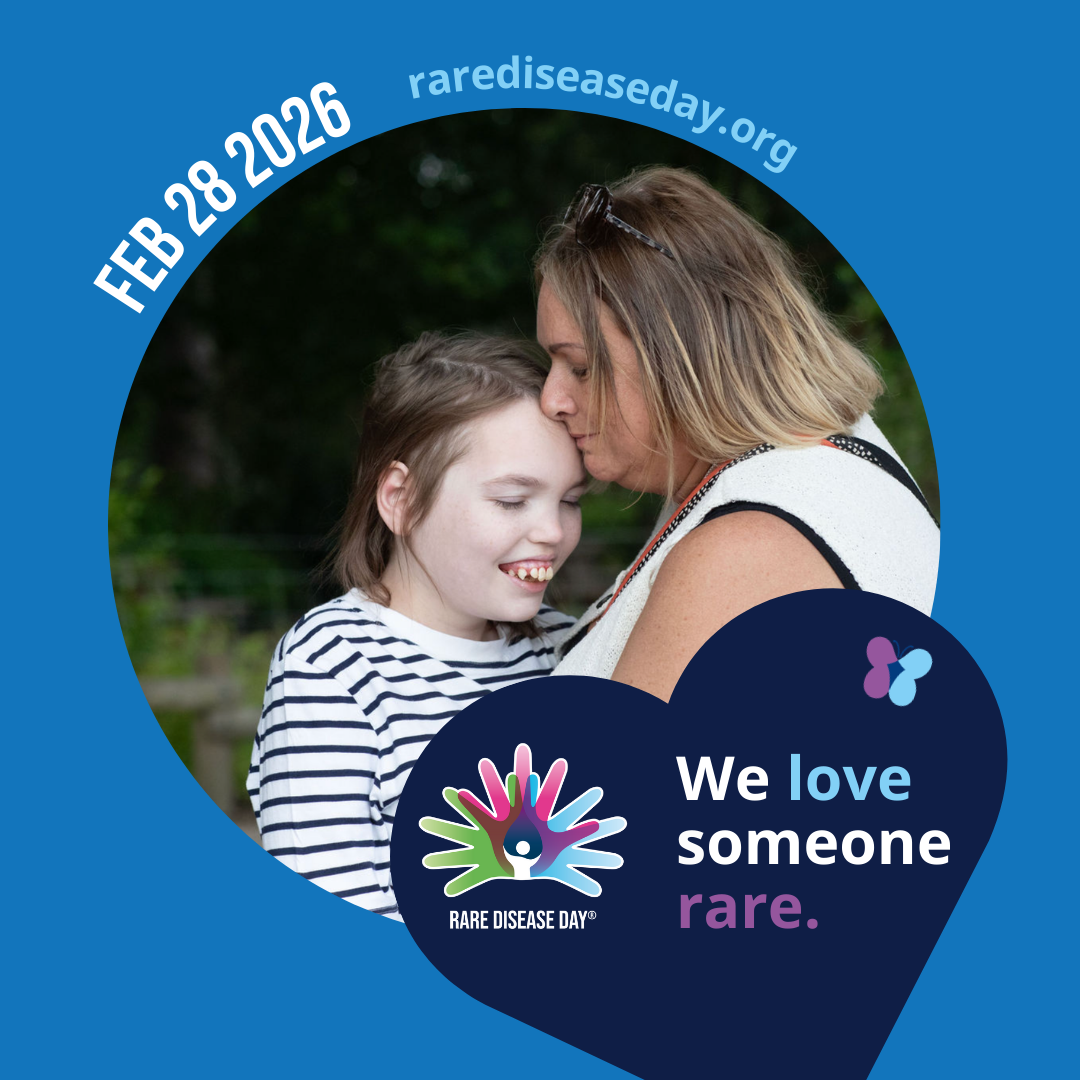
Social Media Profile Picture
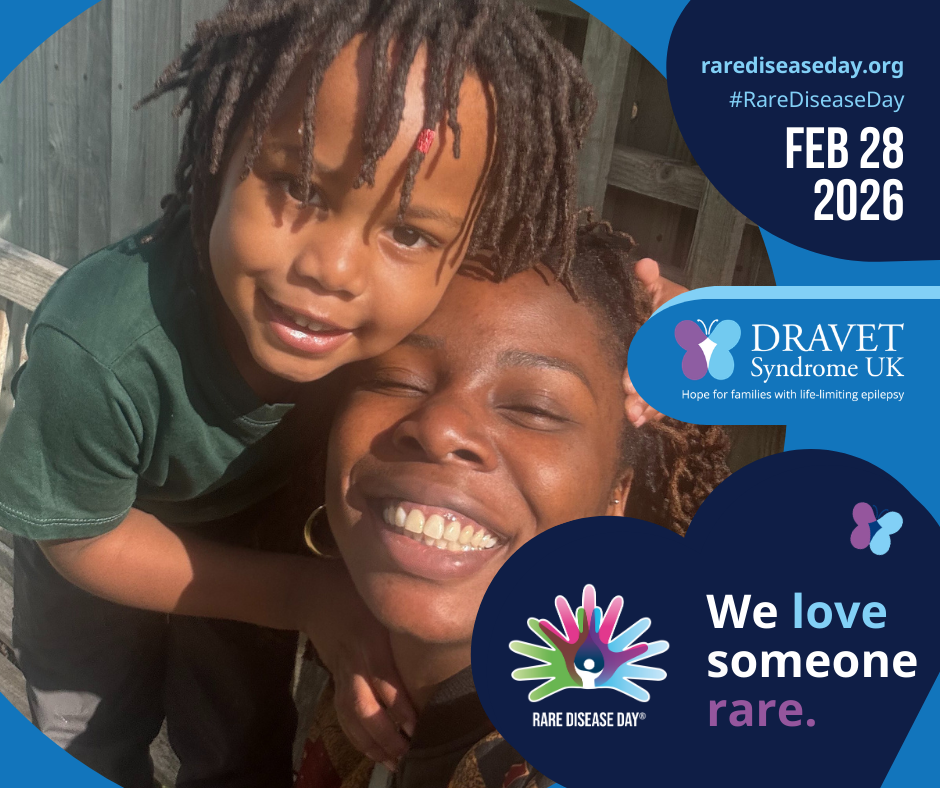
Social Media Post Graphic
Here’s how to edit and share:
- Click here for our social media profile picture and click ‘view template’
- Click here for our social media post graphic and click ‘view template’
- Log in, or set up an account with Canva – it’s free!
- Enter your name and click continue, then enter the sign-in code (check your junk/spam folder if you don’t receive this)
- Click ‘open in editor’
- Click ‘uploads’ and ‘upload files’
- Select the image you’d like to use from your device – choose a nice one of the person you love living with Dravet Syndrome, or a group one of them with you and/or your family
- The image will then preview – click on it to select it to add to the design
- Drag and drop the image onto the circle placeholder in the middle of the design
- Click the ‘Share’ button (or the symbol which looks like a letter tray and an upwards arrow 📤) and then click download
- The download settings should already be correct, but ensure it says PNG in the file type
- When the design has downloaded to your device, share it on your social media accounts, or add it as your profile picture